
Play Ludo
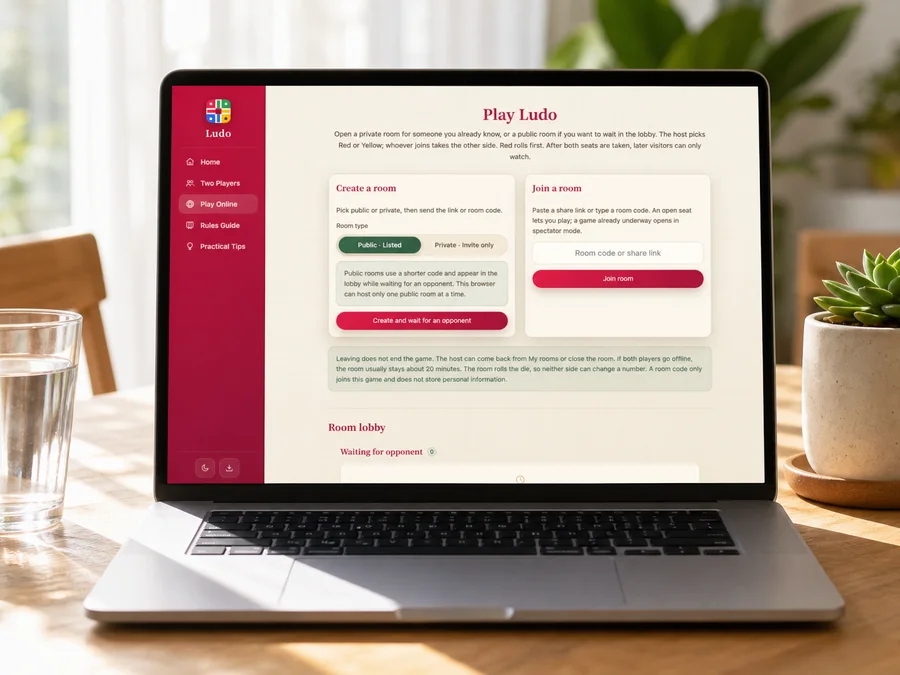
Open a private room for someone you already know, or a public room if you want to wait in the lobby. The host picks Red or Yellow; whoever joins takes the other side. Red rolls first. After both seats are taken, later visitors can only watch.
Create a room
Pick public or private, then send the link or room code.
A public room appears in the lobby while the second seat is open. This browser can host only one public room at a time.
Join a room
Paste a share link or type a room code. An open seat lets you play; a game already underway opens in spectator mode.
Leaving does not end the game. The host can come back from My rooms or close the room. If both players go offline, the room usually stays about 20 minutes. The room rolls the die, so neither side can change a number. A room code only joins this game and does not store personal information.
Room lobby
My rooms
0Waiting for opponent
0In progress
0Creating public room…
Assigning a room code. Please wait.
Public room created (cross board)
Send the link or room code. The game starts when they join.
You will play Red and roll first; your opponent will play Yellow. The game still starts with this setup when they join.
Connection interrupted. Reconnecting…
Join a room
We found a room in the shared link. Connect now, or edit the room code first.
Entering the room…
Connecting to room . Please wait.
Connection interrupted. Reconnecting…
Your opponent left the room
They disconnected. Return to the lobby to create or join a room.
Connection failed
Room not found. The code or link may be incorrect, or the room may have closed. Check it and try again.
Play Ludo
Send a Link, or Wait in the Lobby
If you already know who you want to play, create a private room and share the link. If you want a pickup game, open a public room and wait in the lobby. The host chooses Red or Yellow, the first player to join takes the other seat, and later visitors watch once both seats are filled.
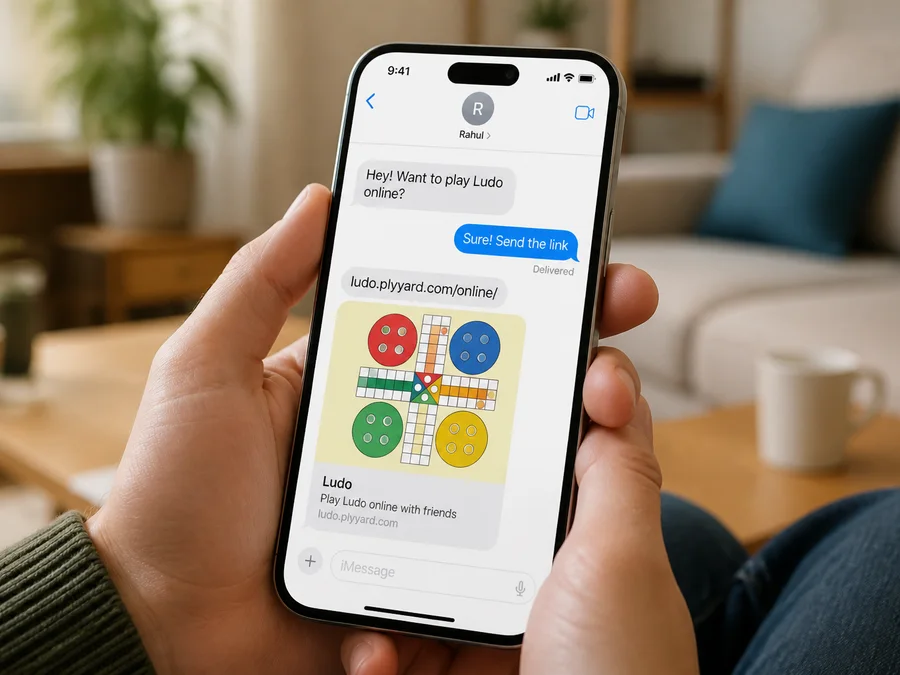
Listed in the Lobby, or Link Only
A public room appears in the lobby for the next visitor to join. A private room stays off the list and uses its link as the invite, so there is no extra password to manage. Anyone with that link can join, so send it only to the person you want to play. Posted in a group chat or on stream, it becomes an open invite.
Reclaim Your Seat
After the host chooses a color, the first player to join takes the other seat. This browser remembers that seat, so a refresh or brief drop usually lets you reclaim your seat in the same game. Once both seats are taken, later visitors watch as spectators.
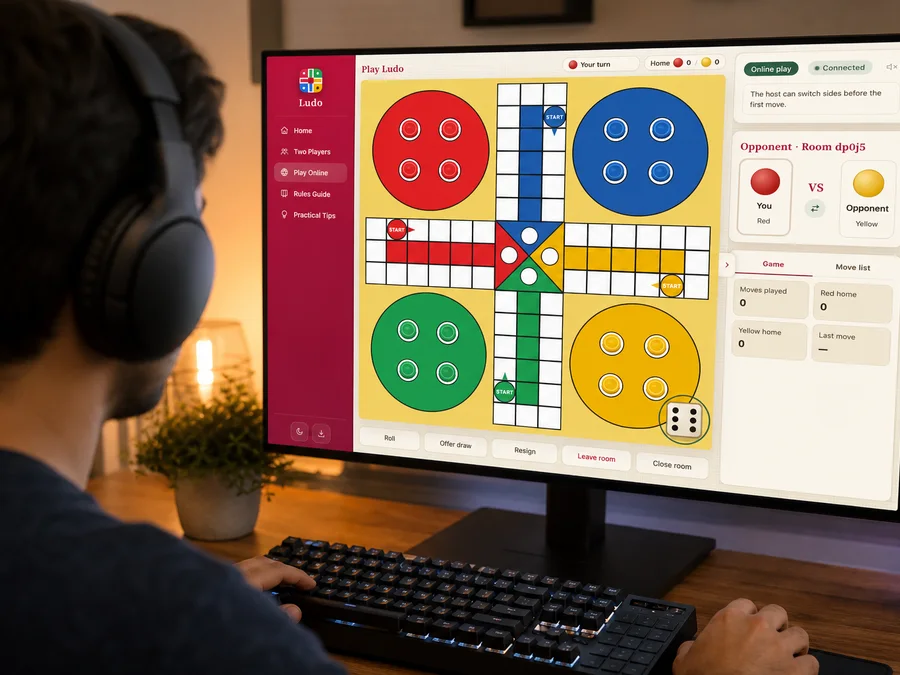
Leave It Open, or Close It
Going back to the lobby or briefly losing the network does not end the game right away. After both players leave, the room is usually kept for about 20 minutes. Rejoin if you mean to continue, resign if you are done, or close the room as host to disable the link. Because online play shares one game state, neither player can undo alone.
2kinds of room
1public room per browser
Nosolo undo
~20 minkept after both leave